Move or drag across the screen to line up the drop position
Move or drag across the screen to line up the drop position
Game Details
Playable on: Browser
Platforms: Mobile
Genre: Physics Puzzle
Built using web-friendly engines such as Construct, the game focuses on accessible browser play with responsive physics simulation across desktop and mobile devices.
Fruit Merge turns one simple move into a tense balancing act: drop a fruit, watch it roll, and hope two matching pieces touch. Every collision grows the pile's biggest fruit, and every careless drop crowds the floor. The physics keep things alive, so a stack that looks stable can shift a few seconds later.
You aim with the mouse or a finger, release, and let the fruit fall. That's the whole control scheme. The depth comes from what happens after the drop, as rounded shapes bump, roll, and settle into new gaps. If you want a fast puzzle that still rewards planning, this one fits.
This guide covers how the physics behave, how to read the queue, how to organize your container, and how to avoid the slow buildup that ends most runs. Ready to test it? Start playing Fruit Merge free online now! You can also browse more titles in the Puzzle category.
Physics and Container Dynamics in Fruit Merge
Rolling Motion and Fruit Weight
Every fruit is a circle, and circles never sit still on a slope. Drop a cherry next to a wall and it rolls until something stops it. The game runs active rigid-body physics, so rolling fruits can collide and merge even seconds after you dropped them. That means a drop is never truly finished when it leaves your cursor.
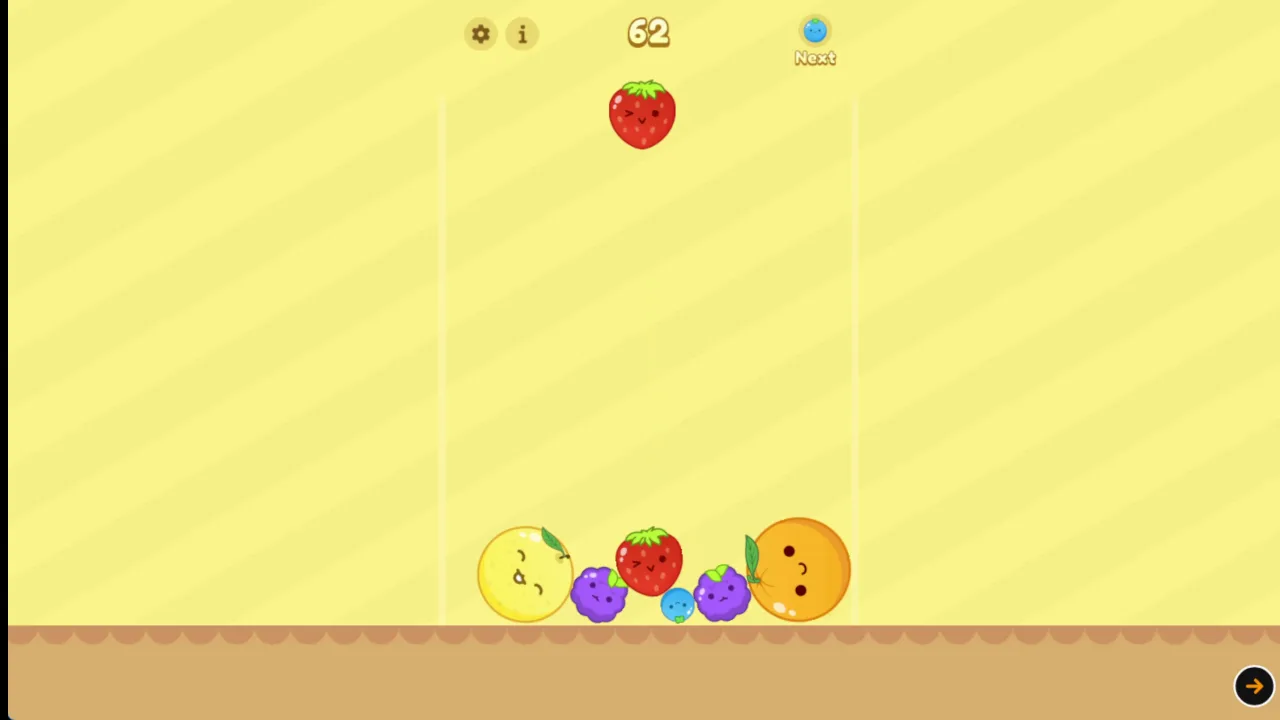
Size changes how a fruit behaves. Small pieces like cherries or blueberries slip into the gaps between bigger fruit and fill dead space. Heavy melons do the opposite. They push their neighbours aside and shove smaller pieces outward when they land.
Use that difference on purpose. Park small fruit in the pockets beside large ones instead of stacking them on top. A small piece sitting in a gap adds almost no height, while the same piece balanced on a melon can roll off and ruin your layout.
Watch the merge pop, too. When two matching fruits combine, the sudden burst of the new fruit shifts the items around it and drops them inward. Plan for that shove before you commit to a tight spot.
Managing the Crowded Floor
Balance matters more than speed. A floor with fruit spread evenly gives you room to react, while a lopsided pile forces risky drops. Keep the surface as flat as you can, and avoid creating a tall peak in the middle of the container.
When the floor fills up, slow down. Take a second to see where each fruit will roll before you let go. A calm, steady rhythm beats a frantic one every time.
Queue Tracking and Fruit Evolution Order
Reading the Dropper Queue
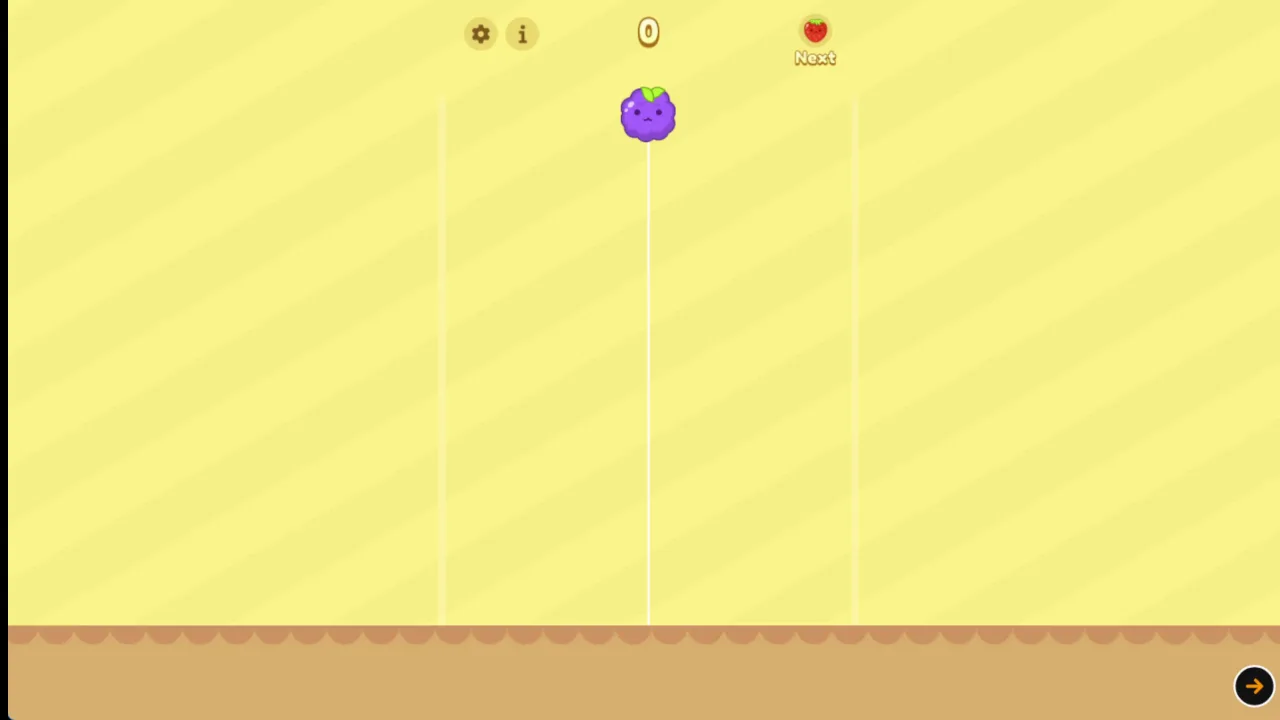
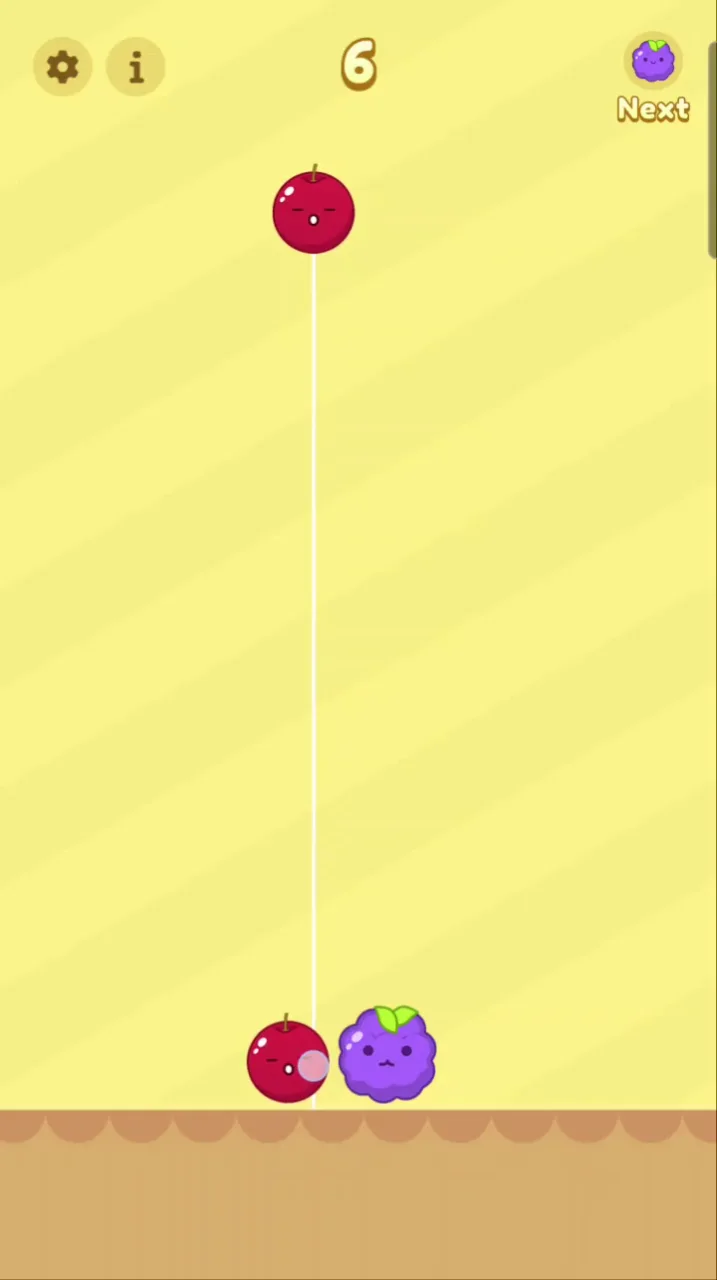
Look at the top of the screen before every drop. The dropper shows the fruit you're holding, and a second indicator shows the piece coming next. That small preview lets you plan two moves ahead instead of reacting one drop at a time.
Here's why it matters. Say you hold a small fruit and the next piece is its match. You can set up a spot where the first fruit lands beside a partner, then place the second one to finish the merge. Ignore the preview and you might bury that partner under a fruit that doesn't fit.
The game only hands you small fruit tiers at the dropper. Larger fruits come from merging, which means you can't skip ahead by waiting for a big piece. Every large fruit on your board is something you built.
Make it a habit. Glance at the current piece, glance at the next one, then move your cursor or finger. A drop made without checking the upcoming fruit is the fastest way to wreck a setup you spent a minute building.
The Merging Hierarchy
Two identical fruits that collide instantly merge into the next larger fruit in the sequence. The ladder starts with tiny berries and climbs all the way up to the giant watermelon. Each step needs a matching pair, so the number of small fruits you need grows fast.
Learn the order so you can spot useful pairs at a glance. Knowing what comes after a fruit tells you what to build toward and what to keep apart.
Spatial Strategy for High Scoring Runs
Organizing by Fruit Size
Pick one side of the container for your largest fruits and stick to it. Many players choose a corner, since the walls help hold heavy pieces in place. When big fruits stay together, the rest of the floor stays open for smaller merges.
Mixing sizes at random causes a problem called bridging. A large fruit rests on two small ones, leaving an awkward gap underneath that you can't fill. That gap wastes space and often forces a bad drop later.
Build a gentle slope instead. Put your biggest fruit at the wall, then step down in size as you move across the container. Each fruit sits next to something close to its own size, so merges happen naturally and rarely leave holes.
Move your cursor with intent. Drag across the screen to line up each drop, and aim for the lowest open spot on the correct side. Short, deliberate placements keep your structure tidy.
Triggering Cascade Combos
A single well-aimed drop can set off a chain. When two fruits merge, the new fruit pops and shoves its neighbours inward, which can push resting pieces into contact and start another merge. One good drop can collapse a nearly full container back to safe levels.
Set these up by lining up matching pairs along a slope. Then drop the piece that touches the first pair and let the physics do the rest.
Endgame Hazards and Overflow Management
How a Run Ends
Think of it like a leak. One mismatched fruit tucked in a corner doesn't feel dangerous. Five of them, spread across the container, leave you without a clean spot for the next piece. By the time the pile nears the line, the damage was done several minutes earlier.
So watch the trend, not just the current drop. If your floor looks messier than it did a minute ago, fix it now. Clean up small problems while you still have space to work.
Recovering Near the Limit Line
When the pile creeps toward the top, stay calm. A nudge can push resting fruits into contact and start a chain that drops the pile below the line. Look for a pair that sits close together and aim a drop to bump them.
Avoid dropping fruit that adds more height. Aim for gaps and low spots, and let a cascade clear space.
Try Fruit Merge right here and put these recovery tricks to work.
Platform Availability and Browser Performance in Fruit Merge
HTML5 Engine Execution
You don't install anything. Open the page, and the game starts almost at once, with responsive physics that stay smooth even through long stacks.
That speed suits the game. A round starts fast, and you can jump back in after a loss without waiting. If you like this style, you can also try Watermelon Drop or Fruit 2048, or see more under Browser games.
Touch and Desktop Control Parity
There is also a mobile app if you prefer one.
Master Fruit Merge today by starting a round here.
Both games share the same objective and merge mechanic of dropping fruit into a confined space to merge identical fruits until creating the largest fruit (watermelon).
Both games share the progression mechanic of merging pairs of identical fruit tiers into the next tier of fruit in a sequential hierarchy.
✨ Key Features of Fruit Merge
Dynamic physics simulation where rolling fruits nudge and settle naturally
Tiered merging ladder advancing from tiny berries up to the giant watermelon
Instant browser execution built using the lightweight Construct framework
Single-input controls optimized for desktop mouse drag and mobile touch
How to Play Fruit Merge
Step 1: Use the game controls
Use Left Mouse Button to move or drag across the screen to line up the drop position. Use Tap and Hold to move or drag across the screen to line up the drop position.
Step 2: Align Your Drop Position
Move your cursor horizontally across the top container rim to choose an exact vertical drop lane.
Step 3: Release to Drop
Click or release your touch hold to send the fruit downward into the container under active gravity.
Step 4: Collide Matching Pairs
Aim to land identical fruits against each other so they instantly merge into the next larger variety.
Step 5: Keep Fruit Below the Line
Maintain organized tiers across the floor to prevent rising piles from spilling over the upper game-over boundary.
Fruit Merge FAQs
Can I play Fruit Merge on mobile devices?
Yes. Fruit Merge runs in your phone or tablet browser, and it has touch controls.
What are the basic controls for Fruit Merge?
Browser mouse: Left Mouse Button — move or drag across the screen to line up the drop position. Mobile: Tap and Hold — move or drag across the screen to line up the drop position.
Do I need to download Fruit Merge?
No. Fruit Merge runs in your browser on this page, with nothing to download or install.
How do you combine fruits in Fruit Merge?
Fruits combine automatically whenever two identical pieces touch inside the container. The collision merges the pair into a single fruit of the next size tier while rewarding score points.
Conclusion
Fruit Merge is a physics puzzle that rewards careful planning. With a preview of the next fruit in line, you can think two moves ahead and avoid drops that bury matching fruits under pieces of the wrong size.
Lining up each drop is simple on either platform: move or drag across the screen with the mouse, or tap and hold on mobile. Because it is single-player and runs right in your browser, you can jump in for a quick session whenever you like.
Ready to see how well you can stack and clear the board? Play Fruit Merge here on this page and start dropping.
Fruit Merge Game Image
Game Controls
Left Mouse Button
Move or drag across the screen to line up the drop position
Tap and Hold
Move or drag across the screen to line up the drop position
No comments yet. Be the first to share your thoughts!




No comments yet. Be the first to share your thoughts!